AI Voiceover for Guitar Tutorial Videos: Creator's Guide
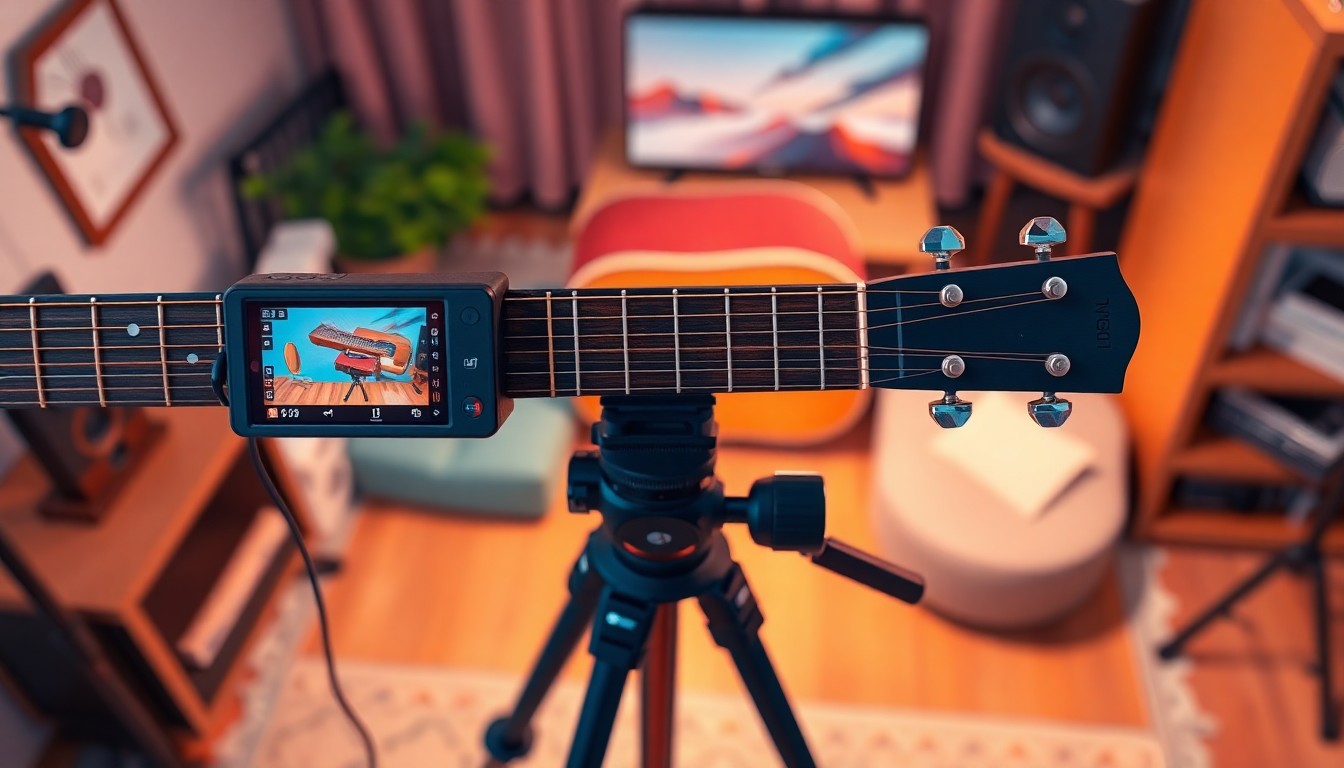
Faceless channels have quietly taken over huge chunks of YouTube, and guitar education is one of the categories where they're winning the hardest. Scroll through any "how to play" search and you'll find channels with hundreds of thousands of subscribers where nobody ever shows their face. The camera points down at a fretboard. A calm, clear voice explains what the hands are doing. That's the entire format, and it works because guitar is a visual, hands-on skill that people learn by watching fingers move, not by watching a talking head.
AI voiceover is what makes this model scale. Instead of setting up a second camera for your face, worrying about lighting on your skin tone, or re-recording an entire take because you flubbed one sentence, you write the lesson, generate the narration, and drop it over your fretboard footage. You fix mistakes by editing text, not by playing the same G-to-C transition eleven times until your voice sounds fresh.
This guide walks through the whole process. Why AI narration fits guitar tutorials so naturally, how to structure a lesson script that actually teaches something, which voices work best for different teaching styles, how to sync narration with playing footage, what gear you need, how to grow the channel once it exists, and how creators are turning these videos into real income. We'll also cover the mistakes that sink otherwise good tutorial channels before they get traction. Along the way we'll point you toward TryAIVoices, the tool most of this guide assumes you're using, though the principles apply no matter which voice generator you pick.
Why Faceless Guitar Tutorial Channels Are Exploding on YouTube
The faceless channel trend isn't limited to guitar. Fact channels, true crime recaps, and Reddit story compilations all run on the same formula: strong visuals or strong information, paired with a voice that carries the narrative. But guitar tutorials are arguably the best-suited niche for this format, because the "face" was never really the point in the first place.
Think about how you actually learned your first barre chord, or your first scale shape. You weren't studying someone's facial expression. You were watching their left hand crawl up the neck and their right hand pick through the strings. A talking-head guitar teacher wastes half the frame on a face that isn't teaching anything. A tight shot on the fretboard, paired with narration explaining finger placement, pressure, and timing, teaches faster and rewatches better.
That's the structural reason faceless guitar content works. There's also a practical reason creators are drawn to it. Filming your own face, in good light, while also playing guitar accurately, while also talking clearly, is genuinely hard to do in one take. Separating the "play" from the "talk" removes an entire layer of difficulty. You record clean playing footage once. You write and generate the narration separately. You're not asking one performance to do three jobs at once.
There's also an audience-behavior reason this format keeps growing. Viewers searching "how to play [song] on guitar" or "beginner chord progression tutorial" are task-focused. They want the information fast, and they'll skip ahead, rewatch a section, or scrub back to a specific chord change. A well-scripted, clearly narrated tutorial respects that behavior. It gets to the point, states the technique plainly, and lets the footage carry the demonstration. That's a very different viewing pattern than a vlog or a reaction video, and it rewards creators who prioritize clarity over personality.
Why AI Voiceovers Work So Well for Guitar and Music Lesson Content
Guitar tutorials have a specific narration style that AI voice generation handles unusually well. Lessons are instructional, paced, and repetitive in structure. Every lesson follows a similar shape: introduce the concept, break it into steps, demonstrate, recap. That predictability is exactly what makes scripted AI narration sound natural instead of stilted.
Compare that to something like comedy or storytelling narration, where timing, ad-libs, and vocal inflection carry most of the humor. Guitar instruction doesn't need that kind of performance. It needs clarity, a steady pace, and a voice that doesn't distract from the thing being taught. That's a much easier bar for text-to-speech to clear convincingly, and it's part of why our guide to AI voice generators for YouTube keeps coming back to instructional content as one of the strongest use cases for the format.
There's also a consistency argument. If you're publishing three or four lessons a week, your voice has to sound the same in every video. Real human voices vary. You sound different when you're tired, sick, or recording at midnight instead of morning. An AI voice sounds identical every time you generate it, at any hour, in any mood. Viewers who binge a full playlist of your lessons back to back never notice a shift in energy or tone, because there isn't one.
And then there's the practical time savings, which matters more than most new creators expect. Writing a script takes minutes. Recording your own narration, cleaning up breath sounds, editing out stumbles, and re-recording lines you flubbed can eat an entire evening for a ten-minute video. Generating narration with TryAIVoices or a similar tool takes the time it takes to read the output back and hit regenerate on the one line that sounds off. That difference compounds fast once you're trying to publish consistently, which is the single biggest predictor of channel growth on YouTube.
The learning-app parallel is worth studying
If you want a model for how to structure lesson content that actually teaches, look at how dedicated guitar learning apps approach curriculum. Apps like GuitarLowkey break skills into small, sequenced steps rather than dumping everything into one overwhelming video. That structure exists for a reason: a beginner who tries to learn barre chords, fingerpicking, and music theory in the same session retains almost none of it. Sequencing matters more than density.
It's also worth being honest about something a lot of new tutorial creators skip past. You need to actually know the material you're teaching, cold, before you script a lesson around it. AI narration can make a script sound polished, but it can't fix a script built on a shaky understanding of the technique. If you're teaching a scale shape or a chord voicing you're shaky on yourself, spend time with it first, the same way you'd expect a student to. Plenty of creators use structured practice tools alongside their own playing to keep their fundamentals sharp before they teach them to someone else. Confidence in the material is what makes a script sound authoritative once it's narrated, not the voice you choose.
Different Guitar Tutorial Formats That Work With AI Narration
"Guitar tutorial channel" covers a lot of different formats, and the best voice, script structure, and pacing shift depending on which one you're building. It helps to pick a primary format before you script your first video, rather than bouncing between styles and confusing your own audience about what the channel actually is.
Song tutorials and cover breakdowns
The most searched-for format by far is the "how to play [specific song]" video. These videos live or die on precision. Viewers are following along on their own guitar in real time, pausing and rewinding constantly, so narration needs to be exact about fret numbers, string names, and chord shapes rather than vague gestures toward "the next part." A steady, unhurried narrator voice, something like the Morgan Freeman preset or a plain cinematic narrator, keeps this format feeling calm even when the song itself is fast or technically demanding.
Technique and skill-building series
Rather than teaching a single song, some channels build long-running series around a specific skill: fingerstyle technique, alternate picking speed, or ear training. This format rewards consistency across episodes more than any other, since viewers are following a progression over weeks or months. Reusing the exact same AI voice, the same intro structure, and the same pacing across every episode in a series builds the kind of familiarity that keeps subscribers coming back episode after episode.
Gear reviews and demos
Gear content, pedal demos, amp comparisons, pickup swaps, pairs naturally with a more conversational, opinionated voice than pure instruction does. A Joe Rogan-style delivery or a casual, confident tone works well here, since viewers watching a gear review expect more personality and opinion than they would from a straight technique lesson. This format also monetizes especially well through affiliate links, which we'll cover in more detail later.
Music theory explainers
Theory content, explaining why a chord progression works, how modes relate to scales, or what makes a particular voicing sound "sad" or "tense," benefits from a more analytical, breakdown-style voice. The MatPat-style analytical voice or a measured Jordan Peterson-style lecture tone fits this format well, since both are associated with methodical, step-by-step explanation rather than casual chat. Theory content also tends to have a longer shelf life than trend-based song tutorials, since the underlying concepts don't go out of date, which makes it worth the extra scripting effort even though it's a smaller search category than song-specific tutorials.
The Faceless Guitar Channel Model: Camera on the Fretboard, Not Your Face
Once you accept that the fretboard is the star, the production model simplifies dramatically. You need footage of hands playing, a script that explains what those hands are doing, and a voice to read that script. Everything else, thumbnails, intros, outros, is secondary.
What footage you actually need
Most successful tutorial channels rely on three or four camera angles, reused across every video. A top-down shot of the fretboard, close enough to see individual finger placement. A side angle showing the picking hand and strumming pattern. Occasionally a wider shot showing the full instrument and body posture, useful for technique videos about hand position or posture correction. You don't need more than this. Channels that try to get creative with angles every video usually spend more time on setup than on teaching.
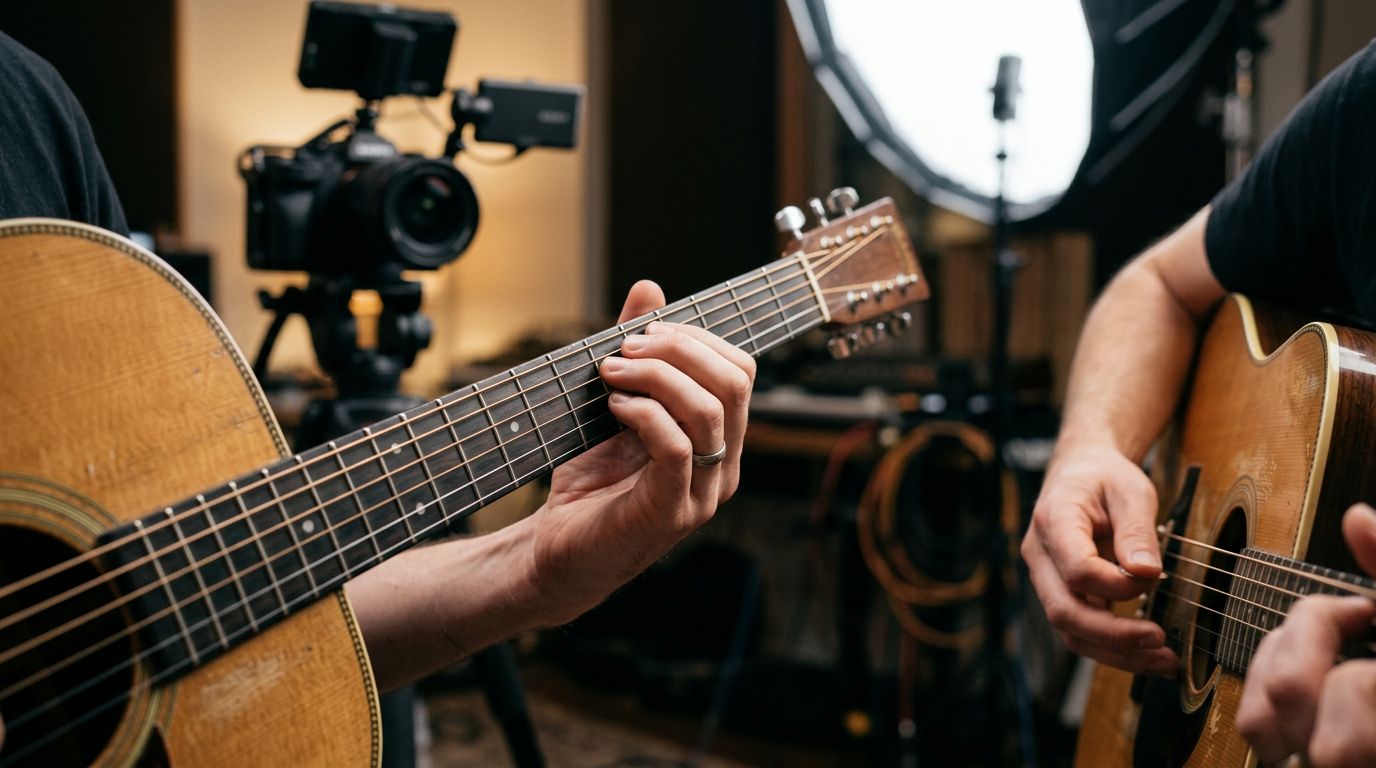
Film in longer continuous takes rather than cutting constantly. A clean thirty-second clip of a chord progression played through cleanly, at a demonstration pace, is worth more in the edit than five short clips stitched together. You'll trim it in the timeline anyway. Give your editing self more to work with.
Why hiding your face is a feature, not a limitation
New creators sometimes worry that a faceless channel feels less "authentic" or that audiences won't trust a tutorial without a visible teacher. In practice, the opposite tends to be true for skill-based content. Viewers trust demonstration over personality here. If the fingering is correct, the timing in the narration matches the footage, and the explanation makes sense, viewers don't care whether they've seen your face.
This also removes a huge barrier to entry. You don't need studio lighting, a webcam that flatters you, or the confidence to perform on camera. You need decent guitar playing, a clear script, and a voice generator. That's a much lower bar, and it's why faceless tutorial channels have become one of the more accessible niches for creators who are strong players but uncomfortable on camera.
How to Script a Guitar Lesson for AI Narration
Scripting is where most tutorial videos succeed or fail, and it matters more with AI narration than with your own voice, because you don't get to save a badly written sentence with tone or timing on the fly. If the script is confusing, the narration will sound confusing too, no matter which voice you pick.
Structure every lesson like a mini curriculum
Treat each video as a self-contained lesson with a clear arc: state what the viewer will learn, break the technique into two or three steps, demonstrate each step with footage matched to narration, then recap the whole thing at double speed or with a quick summary line. This mirrors how any well-built curriculum works, the same logic behind sequenced practice paths in apps built specifically to learn guitar online, where lessons build on each other instead of existing as isolated tips.
Avoid cramming multiple unrelated techniques into one video just because they happened to come up in the same practice session. A video titled "Beginner Chord Progression: G, C, D" that also veers into fingerpicking and music theory loses viewers who came for exactly one thing. Narrow scope makes for tighter, more rewatchable videos, and it also makes scripting for AI narration much easier, because you're writing toward one clear goal instead of juggling three.
Write for the ear, not the page
Guitar terminology gets dense fast, and dense writing reads fine but narrates badly. "Place your index finger on the first fret of the second string while barring the fifth fret with your ring finger" is accurate but exhausting to listen to in one breath. Break it into shorter instructional beats: "Index finger, first fret, second string. Now bar the fifth fret with your ring finger." Short, sequential instructions match how viewers actually process physical instructions while trying to replicate them on their own guitar in real time.
Read your script out loud before you generate anything. If you stumble over a sentence reading it yourself, an AI voice will render it in a way that sounds just as awkward, because the underlying sentence structure hasn't changed. This single habit, reading the script aloud before generating, catches more scripting problems than anything else you can do.
Where to place technical cues
Mark your script with rough timing notes tied to your footage, even informally. "At the 0:14 mark, when the hand shifts to the C chord" gives you a clear anchor point when you're syncing narration in the edit later. Skipping this step is the single most common reason creators end up re-cutting an entire video, because the narration and footage drift apart and nobody marked where they were supposed to line up.
Choosing the Right AI Voice for Music Tutorial Content
The voice you choose sets the tone for your entire channel before a viewer even processes what you're saying. A few different approaches work well for guitar tutorials, and the right one depends on the vibe you're building.
Narrator and documentary-style voices
For a calm, authoritative teaching tone, documentary and narrator-style voices consistently perform best. The Morgan Freeman voice brings warmth and gravity that makes even a basic open-chord tutorial feel like it's being taught by someone who's spent decades mastering the instrument. The David Attenborough voice works surprisingly well for technique breakdowns, framing a chord change almost like a nature documentary observing a rare skill unfold. If you want something drier and more deadpan, the Werner Herzog voice adds a strange gravity to even a simple scale exercise, which some channels lean into for comedic effect.
More traditionally, a cinematic narrator voice or a generic announcer voice gives you clean, professional narration without pulling attention toward a specific celebrity impression. That's often the smarter default for a channel meant to be taken seriously as an educational resource rather than a novelty account. The Will Lyman narrator voice, familiar from decades of PBS documentary work, sits in the same territory: measured, trustworthy, built for information delivery rather than performance.
Warm, coach-like voices for beginner content
Beginner-focused channels tend to do better with a warmer, more encouraging tone than advanced technique channels. A deep voice option or a calm female voice or male voice preset reads as approachable rather than intimidating, which matters a lot for viewers who are nervous about picking up an instrument for the first time. If your channel leans into a coaching, motivational angle, our AI voice coach guide goes deep into how vocal authority affects how instructional content lands, and the same logic applies directly to music teaching.
For quieter, more intimate tutorial styles, particularly fingerstyle or classical guitar content recorded in a hushed setting, a whisper-style voice borrowed from ASMR-adjacent content can work surprisingly well, mirroring the soft, close-mic feel of the footage itself.
Character and personality voices for a different angle
Not every guitar channel has to sound like a textbook. Some of the fastest-growing tutorial channels lean into personality, using a recognizable voice to narrate lessons with a wink. The Kurt Cobain voice or the Jerry Garcia voice work well for content built around a specific genre or era, teaching grunge power chords or Grateful Dead-style improvisation with a voice that fits the material thematically. The Harry Styles voice or the Morgan Wallen voice suit pop and country-leaning tutorial content aimed at a younger audience who came looking for a specific song, not a general lesson.
This approach carries a caveat. A celebrity musician voice narrating a technical breakdown of their own playing style is a fun premise, but it works best as a recurring bit, not your entire channel identity. Overusing a novelty voice on straightforward instructional content can undercut how seriously viewers take the lesson itself. Save the character voices for videos explicitly built around that concept, and keep your core tutorial library on a steadier, more neutral voice.
If you want a broader sense of what's available before settling on one voice, browse the full musicians voice library and the general voice library to hear a range of options before committing to your channel's signature sound. Consistency matters here just as much as the initial choice. Whichever voice you land on, stick with it across your library so returning viewers immediately recognize your channel from audio alone.
Energetic voices for shred, metal, and high-tempo technique content
Not every tutorial calls for calm and measured. Channels built around fast alternate picking, shred technique, or metal rhythm playing often benefit from a voice with more raw energy behind it, matching the intensity of the playing on screen. A voice pulled from the streamer voice library, like the Kai Cenat voice or the IShowSpeed voice, brings a hype, high-tempo delivery that suits a "here's how to actually play this insane lick" video far better than a slow, documentary-style narrator would. It's a smaller subset of the audience, but it converts well for channels specifically targeting younger players chasing viral riffs.
International and accented voices for a global audience
Guitar has no shortage of international audiences, and a lot of tutorial searches happen in languages and accents well beyond a neutral American default. If your channel serves a specific regional audience, or you simply want a voice with more character than a flat, generic accent, options like the British voice, the Scottish voice, or the Australian-style delivery give your channel a distinct identity that a saturated niche can genuinely use to stand out. This also matters if you're teaching genre-specific material with strong regional roots, like Celtic fingerstyle or Australian pub rock rhythm playing, where a matching accent reinforces the authenticity of the lesson rather than working against it.
Syncing AI Narration With Fretboard Footage and Playing
This is the part that trips up creators moving from talking-head videos to fretboard-focused tutorials. When you're on camera, your voice and your hands happen at the same time, automatically. When you separate playing footage from AI narration, you have to build that sync manually, and it's a skill worth practicing deliberately.
Record the playing first, narrate second
Film your guitar footage before you write the final script. Play through the technique at a natural teaching pace, a little slower than performance speed, and note the rough timing of each step as you go. Writing narration to match footage that already exists is far easier than trying to play guitar to match a script you wrote first. The hands are harder to control precisely than the words are, so let the hands go first.
Timing the words to the chord changes
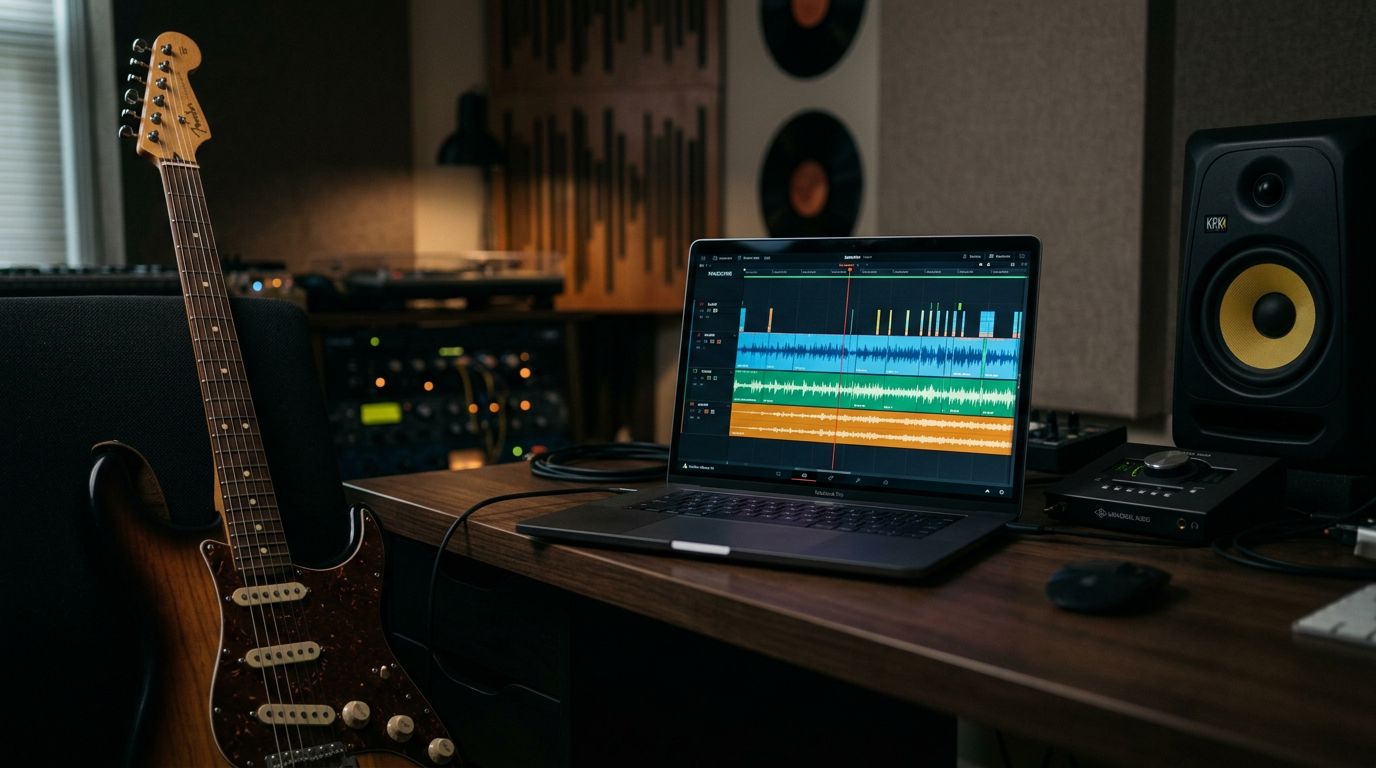
Once you generate your narration, drop it into your editing timeline alongside the footage and nudge the audio clip until key phrases land on the matching visual moment. The word "now" or "switch" in your script should hit at almost the exact frame where the hand moves to the new chord shape. This is the single detail that separates a tutorial that feels professionally produced from one that feels slightly off, even if viewers can't articulate why.
Most editing software lets you slightly speed up or slow down an audio clip without pitch distortion, within a small range. A five to ten percent adjustment on either the footage or the narration clip is usually enough to line things up without anyone noticing the tweak. Bigger mismatches mean re-cutting the footage or regenerating a shorter or longer version of the line, which only takes a minute with AI narration since you're not re-recording a whole take.
Using pauses and silence on purpose
Don't be afraid of dead air. A well-placed pause after "now try that transition yourself" gives viewers a beat to actually attempt the move before you move on, which mirrors how an in-person lesson would naturally unfold. Most text-to-speech tools let you insert pause markers directly in your script rather than relying on punctuation alone, which gives you tighter control over pacing than a live voiceover recorded in one continuous take often achieves. Experimenting with emotion and pacing controls in your voice generator gives you a level of control over delivery that's genuinely hard to match recording live.
Gear and Workflow for a Guitar Tutorial Channel
The gear list for a fretboard-focused tutorial channel is shorter and cheaper than most creators expect, because you're not lighting or framing a human face and personality on camera.
Camera and lighting for fretboard shots
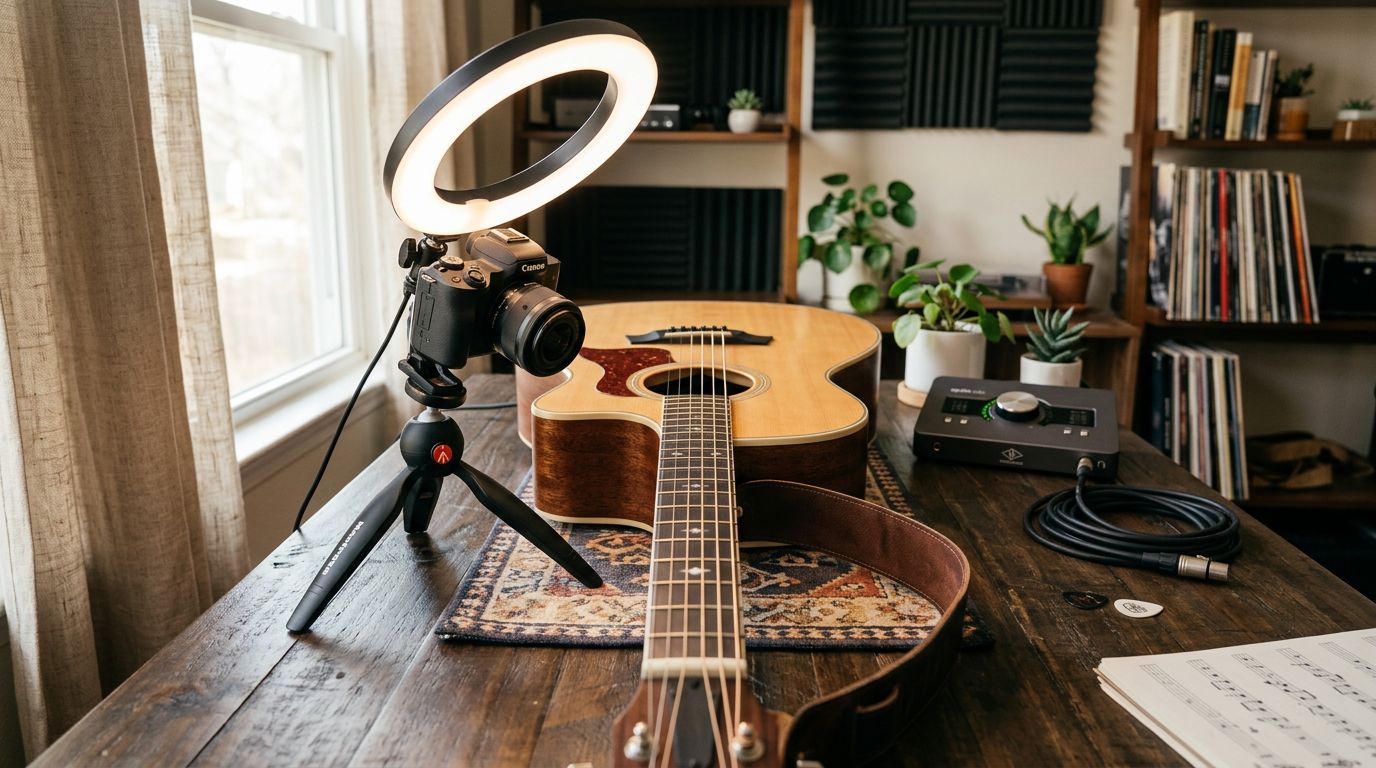
A single overhead camera mount, positioned to look straight down at the fretboard, covers most of your shots. Phone cameras from the last several years handle this fine in decent lighting, and a basic desk lamp or ring light aimed at the neck removes shadows that would otherwise obscure exact finger placement. Because you're filming a static object from a fixed angle, you don't need the kind of dynamic lighting setup that talking-head channels invest heavily in.
Recording clean guitar audio
Even though your narration comes from AI, the guitar audio in your footage still needs to sound good, since viewers are judging your playing on that recording. A basic audio interface and a small-diaphragm condenser mic aimed near the twelfth fret captures a clean acoustic tone. For electric guitar tutorials, recording direct through an interface with amp modeling software avoids room noise entirely, which also makes it easier to layer narration over the top without competing frequencies muddying the mix.
Editing software and AI voice integration
Any standard video editor handles this workflow fine, whether that's a free tool or a paid suite. The core steps are consistent regardless of software: import your fretboard footage, generate your narration as a separate audio file, drop it onto its own track, and nudge it into alignment with the visuals. Our complete guide to making text-to-speech audio covers the generation side of this workflow in more depth if you're new to the process, and the CapCut voiceover guide walks through one of the more popular free editing paths specifically.
Keep your raw AI voice files organized by video and by script section. Tutorial channels that publish frequently benefit enormously from a consistent file naming system, since you'll often regenerate a single sentence weeks later for a follow-up video and want to match the exact voice settings you used originally.
Growing a Faceless Guitar YouTube Channel
Producing good lessons is half the job. Getting them found is the other half, and it works differently for instructional content than it does for entertainment content.
Thumbnails and titles that get clicks
Guitar tutorial searches are highly specific. People search for exact song names, exact chord progressions, and exact technique terms. Your titles should match that specificity rather than being clever or vague. "How to Play Barre Chords Without Buzzing" outperforms "Fix Your Chords FAST!!" for this audience, because the viewer already knows exactly what problem they have and is searching for the exact solution.
Thumbnails should show the fretboard clearly, often with a simple text overlay naming the chord or technique. Resist the urge to add a stock photo face with an exaggerated expression, the trick that works for reaction and entertainment content. It reads as mismatched against instructional content and can actually hurt click-through rate with an audience specifically looking for a straightforward lesson.
Series and playlists that build binge-watching
Group your lessons into clear playlists organized by skill level or by song. A beginner who finishes your "First Five Chords" video should immediately see a next logical lesson, whether that's a strumming pattern video or a simple song using those same chords. This mirrors the same sequencing logic behind structured lesson paths in guitar learning apps, and it's a major driver of watch time, since YouTube's algorithm rewards session length as much as individual video performance.
SEO for guitar tutorial searches
Guitar tutorial search behavior skews heavily toward specific, long-tail phrases: exact song titles, specific chord names, technique terms like "hybrid picking" or "hammer-on exercise." Build your titles, descriptions, and even your script's spoken content around these exact phrases, since YouTube indexes spoken audio for search relevance in addition to text metadata. Our broader guide to AI voice generation for YouTube creators covers title and description optimization in more detail if you're building out a full content calendar rather than a handful of videos.
Consistency in publishing matters more for this niche than almost any other growth lever. A channel publishing two focused lessons a week for six months will consistently outperform a channel that publishes ten videos in a burst and then goes quiet, because search rankings and subscriber trust both compound slowly over repeated, reliable uploads.
Repurposing Long Tutorials Into Shorts, Reels, and TikTok Clips
A ten-minute tutorial doesn't have to live only as a long-form video. The single most valuable moment in most lessons, the exact instant a tricky chord change clicks or a fast lick gets broken down into something achievable, works perfectly as a standalone fifteen to thirty second clip. Cutting that moment out, adding a punchy hook line at the front, and reposting it as a Short, Reel, or TikTok clip extends the reach of a single piece of footage far beyond its original video.
Short-form guitar content rewards a slightly higher-energy voice than the long-form version of the same lesson, since the format itself is built around grabbing attention in the first second. Our TikTok AI voice guide covers this in more depth, and the TikTok-style voice preset is built specifically for this kind of punchy, fast-hook delivery. If your longer videos use a calmer narrator voice, it's completely fine to switch to something snappier for the short-form cut. Viewers experience these as different formats entirely, even when the underlying content comes from the same source video, and the TikTok and Shorts use cases for AI voice tend to favor speed and clarity over the measured pacing that works in a full-length lesson.
Repurposing this way also multiplies your output without multiplying your filming time. One well-shot technique demonstration can become one long-form tutorial, three or four short-form clips, and a handful of static thumbnail-style posts for other platforms, all from a single afternoon of recording guitar footage.
What to Know About Copyright When Teaching Songs
Teaching a copyrighted song is generally treated differently from performing or distributing a full recording of it, but the line matters and it's worth understanding before you build a channel around cover-song tutorials specifically. Explaining chord shapes, showing finger placement, and narrating technique over your own performance of a riff is a well-established, widely practiced form of music education content. What gets channels into trouble is using someone else's original studio recording as backing audio, or presenting a tutorial in a way that functions as a full, unlicensed performance of the song rather than an instructional breakdown of it.
Sticking to your own playing, your own audio, and your own AI-generated narration keeps you squarely in tutorial territory rather than unlicensed performance territory. It's also worth being upfront in your descriptions that a video uses AI-generated voice narration. Our guide on whether AI voice tools are safe and appropriate to use goes deeper into disclosure norms, and the same logic that applies to entertainment content applies here: transparency about the tools you use builds trust rather than costing you credibility, especially with an audience that's actively trying to learn from you.
Monetizing Your Guitar Tutorial Channel
Instructional content monetizes differently than entertainment content, generally in ways that reward the exact audience guitar tutorials attract: people actively trying to learn a skill and often willing to spend money to learn it faster.
Ad revenue and AdSense
Standard YouTube ad revenue applies once you meet the platform's monetization thresholds, and instructional content tends to perform reasonably on watch time metrics, since viewers often rewatch specific sections while practicing along. Longer-form videos, in the eight to fifteen minute range, generally support more ad placements without feeling padded, provided the content genuinely fills that runtime with useful material rather than stretched-out pacing.
Affiliate gear links
Guitar tutorial audiences are naturally receptive to gear recommendations, since they're actively building out their own setup. Affiliate links for the guitar, strings, capo, or pedal used in a given video, placed in the description, convert reasonably well because the recommendation is contextual rather than a random ad insertion. Be selective and honest about what you actually use. Audiences in this niche are often gear-literate themselves and will notice recommendations that feel purely transactional.
Courses, memberships, and Patreon
Once a channel builds a library of lessons and an engaged audience, a natural next step is paid, structured content: a full beginner-to-intermediate course, a members-only practice community, or exclusive lesson series through Patreon or YouTube memberships. This is where the earlier point about sequencing really pays off. Viewers who've followed a structured curriculum on YouTube are primed to pay for a more comprehensive, guided version of the same experience, the same value proposition that structured practice platforms are built around from the start.
Some creators at this stage also look into voice cloning as a way to build a permanent, brand-consistent narration voice rather than relying on a preset. Cloning your own voice, or building a distinct custom voice tied specifically to your channel, means every future lesson and every paid course module carries the exact same vocal identity your audience already recognizes and trusts, without you needing to sit down and re-record narration for every single unit. It's a heavier lift than picking a preset, but for a channel that's committed to years of content, it can be worth the setup.
Common Mistakes to Avoid With AI Voiceover Guitar Content
A few recurring mistakes show up across new tutorial channels, and most of them are avoidable with a bit of planning before you hit record.
Scripting too casually and narrating too formally. A script written in shorthand notes, then generated word-for-word, often sounds stilted because it wasn't written as spoken language in the first place. Write full sentences meant to be heard, not bullet points meant to be read.
Mismatched pacing between voice and footage. Narration that rushes ahead of slow, deliberate playing footage, or drags behind fast playing, breaks the illusion of a cohesive lesson almost instantly. Always check your sync in a full playback before publishing, not just spot-checking a few seconds.
Choosing a voice for novelty over fit. A fun character voice might get a single video extra attention, but if it clashes with the seriousness of the technique being taught, it undercuts trust in the instruction itself. Match the voice to the lesson's tone, not just to what's trending.
Ignoring disclosure. Being transparent that a video uses AI narration, even briefly in a description, builds trust rather than eroding it. Our guide on how viewers and platforms detect AI-generated voice covers the broader disclosure conversation around AI-generated voice content, which applies just as much to tutorial channels as to any other format.
Overloading a single video with too many techniques. As covered earlier, narrow scope per video consistently outperforms broad, everything-at-once lessons. If you find yourself writing a script that covers three unrelated ideas, split it into three videos instead.
Skipping the read-aloud check. This bears repeating because it's the fastest fix available. Read every script aloud before generating narration. It catches awkward phrasing, run-on explanations, and confusing instruction sequences faster than any other single habit.
Frequently asked questions
Can I really run a guitar tutorial channel without ever showing my face?
Yes. Fretboard-focused instructional content is one of the strongest-performing formats for faceless channels, since viewers are primarily watching hand movement and listening to instruction rather than evaluating a presenter's on-camera presence. Many established tutorial channels never show a face at all.
What's the best AI voice for guitar tutorial narration?
There's no single correct answer, but calm, clear narrator-style voices, like the Morgan Freeman voice or a cinematic narrator preset, tend to work best for straightforward instruction. Character or musician voices work well for niche, thematic videos but shouldn't carry your entire core lesson library.
How do I keep AI narration in sync with my playing footage?
Film your playing footage first, note rough timing as you play, then generate narration written to match those beats. Nudge the audio clip in your editing timeline until key words land on the matching visual moment, adjusting playback speed slightly if needed to close small gaps.
Do I need expensive gear to start a faceless guitar tutorial channel?
No. A phone camera mounted to shoot straight down at the fretboard, a basic condenser mic or audio interface, decent lighting, and a video editor cover the entire production chain. The AI voiceover replaces what would otherwise require a second camera setup and a lot of re-recorded narration takes.
How long should a guitar tutorial video be?
Most well-performing tutorial videos run somewhere between six and fifteen minutes, long enough to cover one technique thoroughly without padding, short enough that viewers don't lose the specific thing they searched for. Match length to the actual complexity of the lesson rather than a fixed target.
Can AI voiceover help me publish more consistently?
Significantly. Writing and generating narration takes a fraction of the time that recording, editing, and re-recording your own voiceover takes, especially across a high volume of similarly structured lesson videos. Consistent publishing is one of the strongest predictors of channel growth in this niche, and removing the voiceover bottleneck is often what makes a sustainable weekly schedule possible.
How do I make my AI-narrated lessons sound less robotic?
Write in short, spoken-style sentences rather than dense technical writing, use pause markers deliberately, and pick a voice whose natural pacing matches an instructional tone rather than a dramatic or rushed one. Testing emotion and delivery settings before committing to a final take also helps the narration land more naturally.
Is it okay to use a celebrity or character voice to narrate guitar lessons?
Using a stylized character or musician-inspired preset for occasional, clearly labeled tutorial or entertainment content is common practice across faceless channels, similar to how creators use character voices in commentary and reaction content. For your core instructional library, though, a neutral narrator voice usually serves the content better long-term, since it keeps the focus on the lesson rather than the impression.
Should I clone my own voice instead of using a preset voice?
It depends on how long-term your plans for the channel are. A preset voice gets you publishing immediately with zero setup, which is the right call for testing whether a tutorial format works before committing further. Cloning your own voice makes more sense once you know the channel is sticking around and you want narration that's unmistakably tied to your own brand rather than a shared preset other creators might also be using.
Related voices to try
Related guides
Faceless guitar tutorial channels succeed on the same three things every time: footage that actually teaches, a script written to be heard, and a voice that stays consistent from your first upload to your five-hundredth. AI voiceover solves the hardest and most time-consuming piece of that equation, letting you focus your practice time on playing well and teaching clearly instead of re-recording narration until your voice stops sounding tired.
Start scripting your first lesson and generate the narration with TryAIVoices, browse the full voice library to find the tone that fits your channel, and check pricing to find the plan that matches how often you plan to publish.