
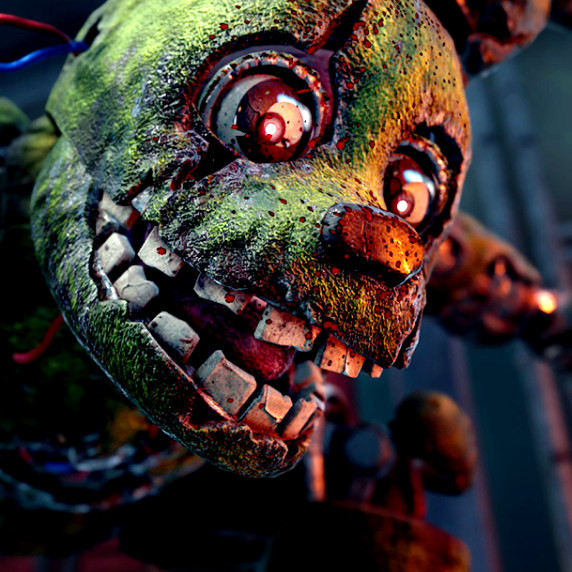
Springtrap AI Voice Generator
by TryAIVoices
How to generate Springtrap AI voice
Follow these simple steps to create your springtrap voice
Write slow, threatening dialogue with a sense of patient menace
Use short, ominous statements rather than long explanations for maximum effect
Hit generate and wait a few seconds
Preview and adjust, slower pacing tends to sound scarier
Download your MP3 for FNAF fan content or horror projects
Try these Springtrap AI voice prompts
Click any prompt to use it
Springtrap AI voice FAQ
Our Springtrap AI voice captures the whispering, menacing quality of the FNAF villain, including the layered, eerie tone that makes the character so unsettling in the games and fan content.
Yes. The Springtrap AI voice is perfect for FNAF fan content, horror gaming videos, creepypasta narration, Halloween projects, and Five Nights at Freddy's lore videos.
Use slow, deliberate sentences with pauses. Springtrap never rushes. Phrases that hint at inevitability and patience work best for maximum creep factor.
Absolutely. The voice model is trained for the dark, distorted vocal quality associated with William Afton's Springtrap form, making it ideal for FNAF fan projects.
Horror narration, FNAF lore breakdowns, fan animations, Halloween content, gaming YouTube videos, and creepypasta readings all benefit from this voice.
About Springtrap AI voice
Generate authentic Springtrap AI voiceovers from Five Nights at Freddy's. This voice model captures the creepy, whispering menace of the iconic animatronic villain. Ideal for FNAF fan content, horror videos, creepypasta narration, Halloween projects, gaming YouTube channels, and any content that needs a deeply unsettling antagonist voice.